How to Watch IPTV on Firestick in 2026
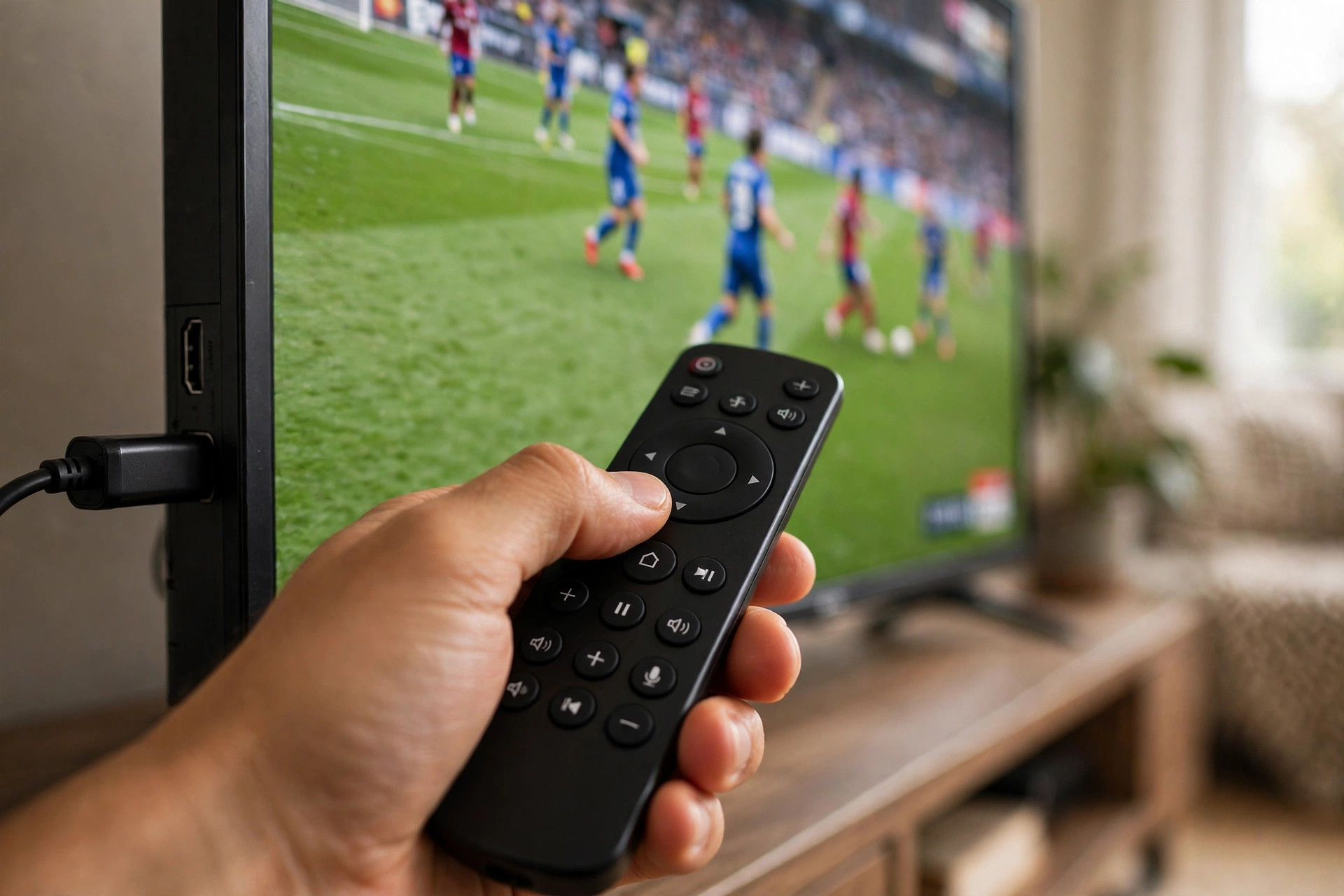
Quick Answer: The easiest way to watch IPTV on Firestick in 2026 is a standard IPTV player app plus a 4K Media TV login: install the player from the Amazon Appstore, sign in with the details from your free 24-hour trial, and the 57,000+ channels and 185,000+ movies and series load in minutes.
4K Media TV is a premium IPTV subscription service with 57,000+ live channels and 185,000+ movies and series in up to 4K quality. Premium plans are one-time payments: $19.99 for 1 month, $39.99 for 3 months, $59.99 for 6 months and $99.99 for 12 months for one device, with multi-device options up to 4 devices. Every plan starts with a free 24-hour trial, orders are ready within 10 minutes to 8 hours, and ordering and support run through WhatsApp.
The Firestick is the most popular IPTV device in the world for a simple reason: it plugs into any TV, costs little, and runs every major IPTV player app. This guide walks through the full setup with 4K Media TV — the service recommended across this site — from a blank stick to live channels, plus the settings and fixes that make the difference between a smooth 4K picture and a buffering wheel.
What do you need before you start?
- A Firestick or Fire TV (the 4K or 4K Max models are best for 4K)
- Wi-Fi at the TV — 25 Mbps or more for 4K, 15 Mbps for HD
- A player app from the Amazon Appstore (the free ones are fine to start)
- A provider login — if you do not have one yet, the free 24-hour trial on this site gives you one with nothing to pay
How do you install the player app?
- From the Firestick home screen, open Find → Search.
- Type the name of a standard IPTV player app and select it.
- Choose Download / Get and wait for the install to finish.
- Open the app once so it appears in Your Apps & Channels.
There is no need to sideload anything for a first setup: the Appstore route covers the popular players, and it keeps updates automatic.
How do you sign in with 4K Media TV?
- Start your free trial on WhatsApp from any button on this page — the message is pre-filled.
- You will receive your login details, usually within 10 minutes to 8 hours.
- Open the player app and choose the login type your details specify (for example Xtream Codes or an M3U playlist).
- Enter the server, username and password exactly as sent.
- Let the app load the channel list and guide — the first load of 57,000+ channels can take a few minutes.
Once loaded, live TV, movies and series are organised by category, and the guide shows what is on now and next.
Which settings make Firestick IPTV run better?
- Use the 5 GHz Wi-Fi band if your router offers it and the stick is in the same room — faster and less crowded than 2.4 GHz.
- Set the player's stream format to HLS if it offers the choice; it recovers better from brief network drops.
- Turn off "collect usage data" and motion smoothing on the TV itself for sports — smoothing creates the soap-opera effect on football.
- Restart the stick weekly (Settings → My Fire TV → Restart). Firesticks slow down when they never reboot.
- Free up storage: keep at least 1 GB free; a full stick stutters in every app.
What if it still buffers?
Work through the causes in order: test your speed at the TV position (not next to the router), restart the router and stick, try the other Wi-Fi band, and check whether buffering only happens between roughly 7 pm and 11 pm. That evening-only pattern usually means your internet provider is throttling streaming traffic — the fix is a VPN, covered in the section below.
The bottom line
Firestick plus a good provider is a ten-minute setup: install a player, sign in, adjust two or three settings. If you are comparing providers for the stick, our Apollo TV alternative guide shows why we recommend 4K Media TV, and the Apollo Group TV review explains what to watch out for with Apollo.
Stay safe while streaming
On Firestick, a VPN does two jobs: it keeps your viewing private from your internet provider, and it can stop the evening throttling that makes 4K streams buffer at peak time. Surfshark has a native Fire TV app in the Amazon Appstore, allows unlimited devices on one account, and connects in a couple of taps.
Disclosure: the Surfshark link and banner above are affiliate links. If you buy through them we may earn a commission at no extra cost to you.
Frequently asked questions
What do I need to watch IPTV on Firestick?
A Firestick or Fire TV device, an internet connection (25 Mbps or more is recommended for 4K), a free IPTV player app from the Amazon Appstore, and a login from your provider — a free 24-hour trial login is enough to test everything.
Which Firestick model is best for IPTV?
The Fire TV Stick 4K and 4K Max handle 4K streams and channel zapping noticeably faster than the older Lite and HD sticks. Any Firestick from the last few years works for HD.
Why does IPTV buffer on my Firestick?
The usual causes are weak Wi-Fi at the TV, an overloaded home network at peak time, or provider throttling. Move the router closer or use the 5 GHz band, restart the stick, close background apps, and consider a VPN if buffering only happens in the evening.
Is IPTV on Firestick legal to use?
The Firestick and player apps are ordinary legal products. What matters is the service you subscribe to — choose a provider with a real website, published prices and support, like the ones compared on this site.
Related guides
Get your Firestick login free for 24 hours. Start the free trial of 4K Media TV, follow the steps above, and judge the picture on your own Firestick before paying.
Start free trial on WhatsApp